
Change Password
The Change Password page allows you to update the password for your personal bankVOD account.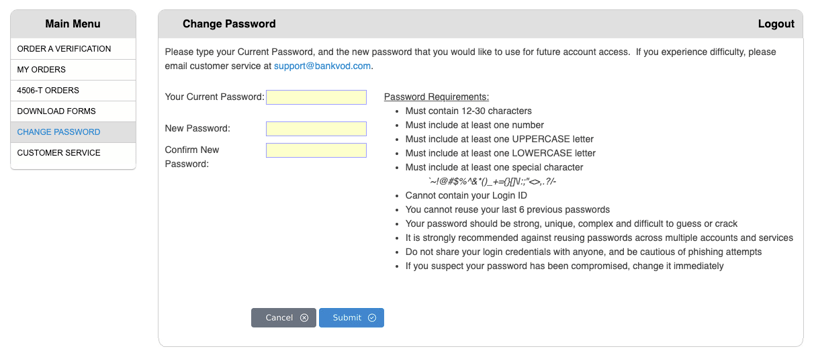
How to Change Your Password
-
Log in to your bankVOD account
-
From the Main Menu, click Change Password
-
Enter Your Current Password
-
Enter New Password, then re-enter it under Confirm New Password
-
Click Submit
Password Requirements
-
Must contain 12–30 characters
-
Must include at least one number
-
Must include at least one UPPERCASE letter
-
Must include at least one LOWERCASE letter
-
Must include at least one special character:
~!@#$%^&*()_+={}[]\|:;"<>,.?/- -
Cannot contain your Login ID
-
Cannot reuse your last 6 previous passwords
-
Your password should be strong, unique, complex, and difficult to guess or crack
Password Security Tips
-
Avoid reusing passwords across multiple accounts and services
-
Never share your login credentials with anyone, and stay alert to phishing attempts
-
If you suspect your password has been compromised, change it immediately