
Employment Verification
Employment Verification is a critical service for mortgage lenders to confirm a borrower's current employment status, income, and employment history. This verification requests employment and wage information on both current and prior employers, providing essential documentation for loan qualification and underwriting decisions.
Step 1: Start Your Order
- Log in to bankVOD
- Click ORDER A VERIFICATION
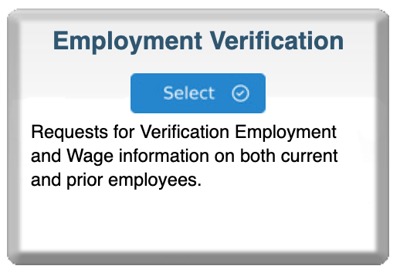
- Find Employment Verification card
- Click blue Select button
Step 2: Choose Verification Type
Select the verification level you need:
- Employment ONLY - Status and dates only
- Employment & Income - Status, dates, and income details (recommended for mortgage loans)
Step 3: Complete the Order Form
Your Information:
- Your Name: First and Last
- Your Email: CRITICAL - where verification will be sent
- Date: Today's date or verification request date
- Tracking Number: Your loan file number (best practice)
Employer Information:
- Employer Name: Exact name from pay stub
- Employer Address: Complete address
- Employer Phone: Main number or HR department
- HR Contact: Name and direct number (if available)
Employee Information:
- Employee Name: Full legal name (as on employer records)
- Middle Name: Optional but recommended
- SSN: Full 9-digit Social Security Number
Comments Box:
- Note any special circumstances (recent promotion, on leave, etc.)
- Mention urgency if closing soon
- Clarify income sources if multiple positions
Step 4: Upload Documents
Required:
- Borrower authorization (signed loan application or consent form)
Recommended:
- Recent pay stub (shows employer name, income, YTD earnings)
- Prior year W-2 (for income comparison)
Step 5: Select Payment
Choose payment method:
- Bill to account (most common)
- Credit card on file
- New credit card
Cost: $24.95-$53.95 depending on verification type and employer network status
- In-network employers (70%): Lower cost
- Out-of-network employers (30%): Higher cost
- You won't know which until processed
Step 6: Review and Submit
Before clicking Submit, verify:
✓ Your email address is correct✓ Employer name matches pay stub exactly
✓ Employee name matches employer records
✓ SSN is accurate (9 digits)
✓ Documents uploaded
Then:
- Check authorization box
- Click Submit Order
- Save your confirmation number