
Loan Payoff
The Loan Payoff service allows you to obtain a current payoff figure for a loan account. This verification provides up-to-date information about the exact amount needed to completely pay off an existing loan.
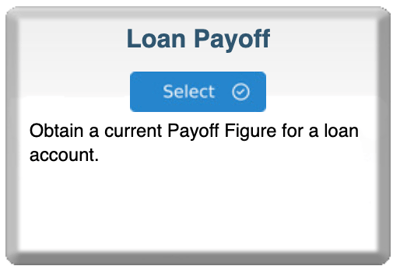
Step 1: Start Your Order
-
Log in to bankVOD
-
Click ORDER A VERIFICATION
-
Find Loan Payoff card
-
Click blue Select button
Step 2: Select the Lender
You'll see cards for different financial institutions showing:
-
Lender name
-
Processing time (in business days)
-
Price
How to Choose:
-
Select the lender holding the borrower's loan
-
Check recent loan statement for correct lender name
-
Click Select on the correct lender card
Step 3: Complete the Order Form
Your Information:
-
Your Name: First and Last
-
Your Email: CRITICAL - where payoff information will be sent
-
Date: Today's date or verification request date
-
Tracking Number: Your loan file number (best practice)
Borrower Information:
-
Borrower Name (Primary): Full legal name
-
Borrower Name (Secondary): Co-borrower if applicable
Comments Box:
-
Optional field for additional information
-
Note any special circumstances or instructions
-
Specify payoff date if different from standard
Step 4: Upload Documents
Required:
-
Borrower authorization (signed loan application or payoff authorization)
Recommended:
-
Recent loan statement
-
Shows loan number and lender information
Step 5: Select Payment
Choose payment method:
-
Bill to account (most common)
-
Credit card on file
-
New credit card
Cost: Varies by lender (displayed on lender selection card)
Step 6: Review and Submit
Before clicking Submit, verify:
✓ Your email address is correct
✓ Correct lender selected
✓ Borrower name matches loan documents
✓ Documents uploaded
Then:
-
Check authorization box
-
Click Submit Order
-
Save your confirmation number